

BLACK FRIDAY

2× credits · Ends Dec 1

Ends Dec 1, 11:59 pm PTGrab 2× credits

Animated text · GIF, MP4 and PNG

Text Animation Generator

Make your words move

Type your words, pick one of seven moving text styles and watch the preview update as you go. This text animation generator exports a GIF, an MP4 or a PNG for free, with no sign-up.

Text Animation Generator

Type your text, pick the speed and look, then export.

Animation
41 / 280
12 characters per second
1.5 s
8%
Font
Text color
Background
Shape
Format

Free · up to 720p and 15 seconds, with a small textanimation.org mark

Live preview
 
  • Free, no sign-up
  • GIF, MP4 and PNG downloads
  • Works on phones and laptops
See all text animation tools

Seven Moving Text Styles

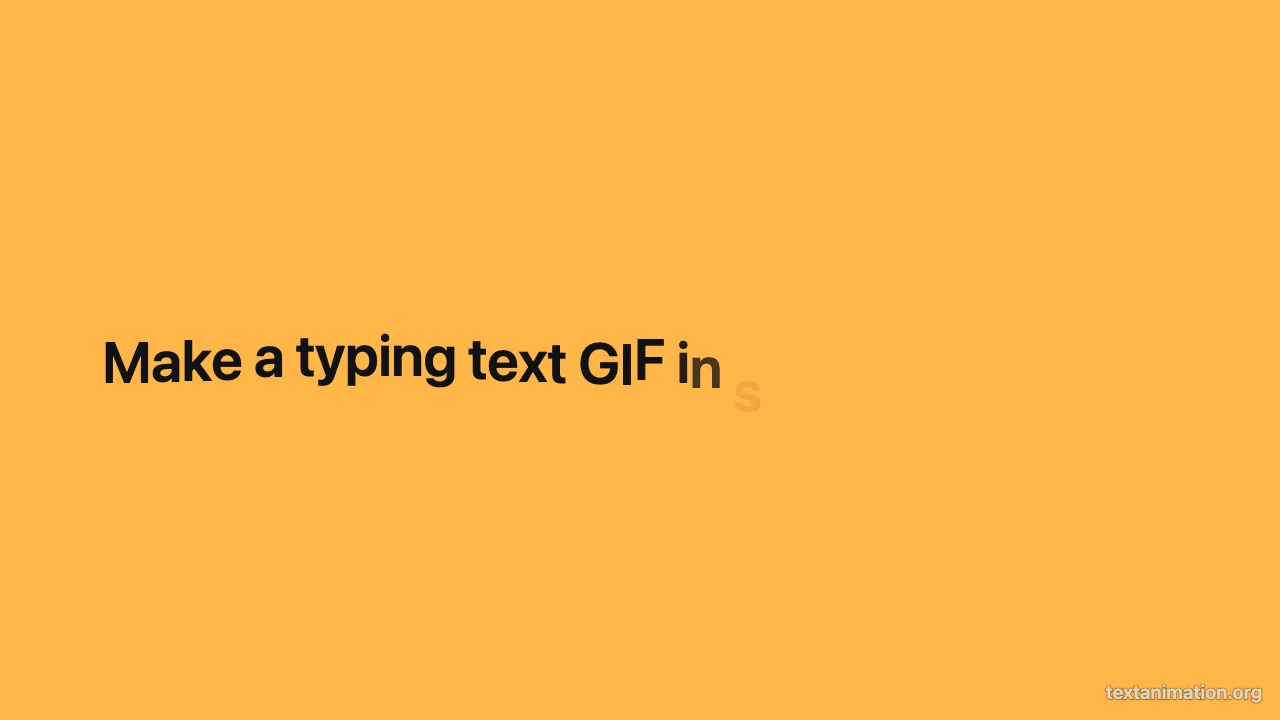
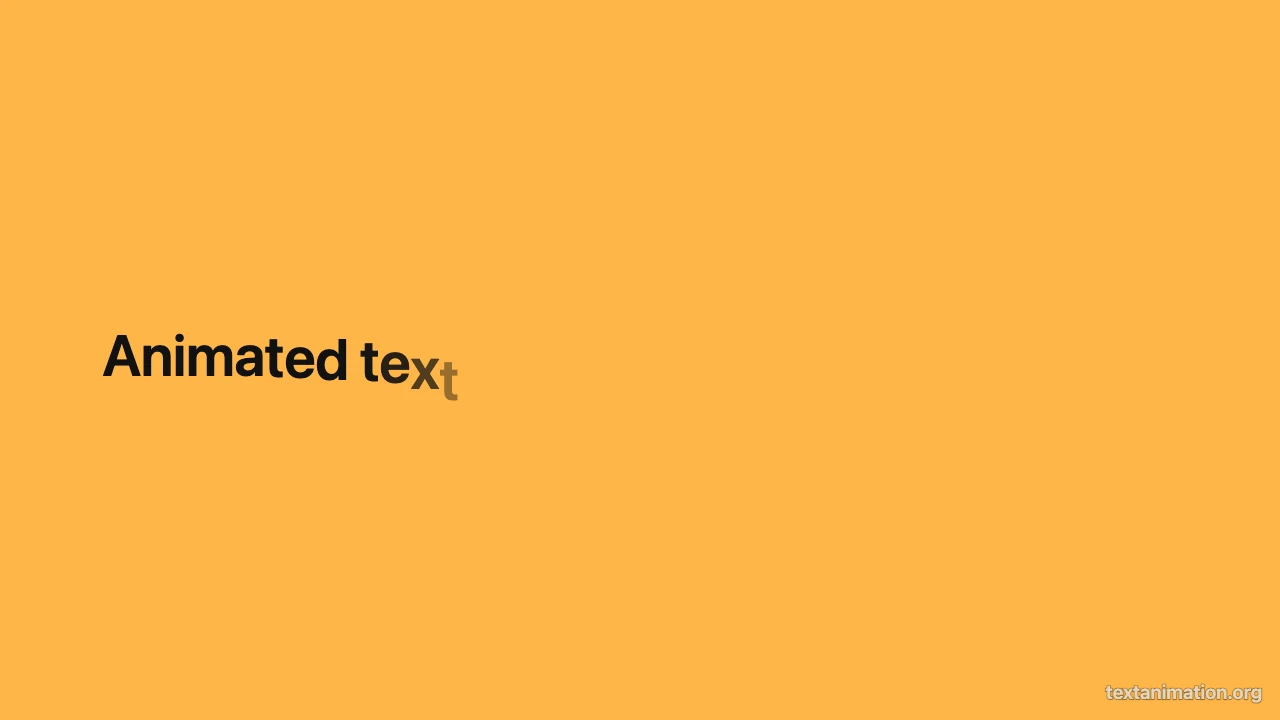
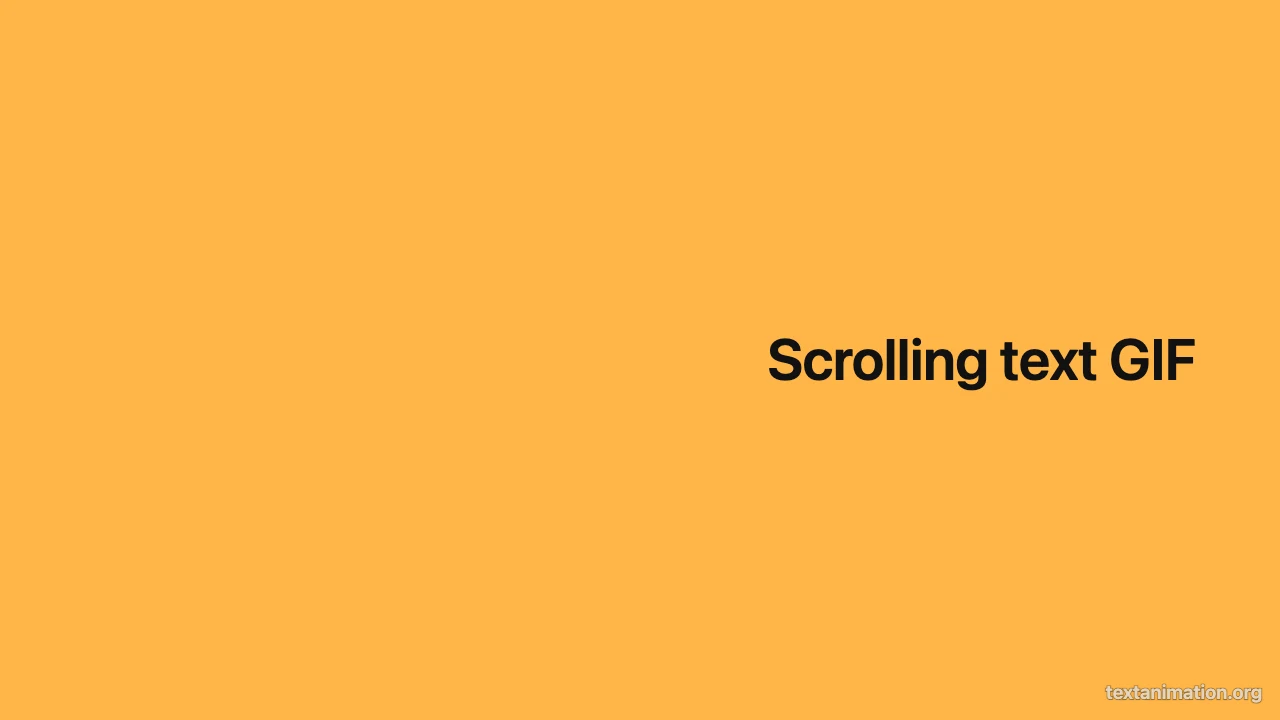
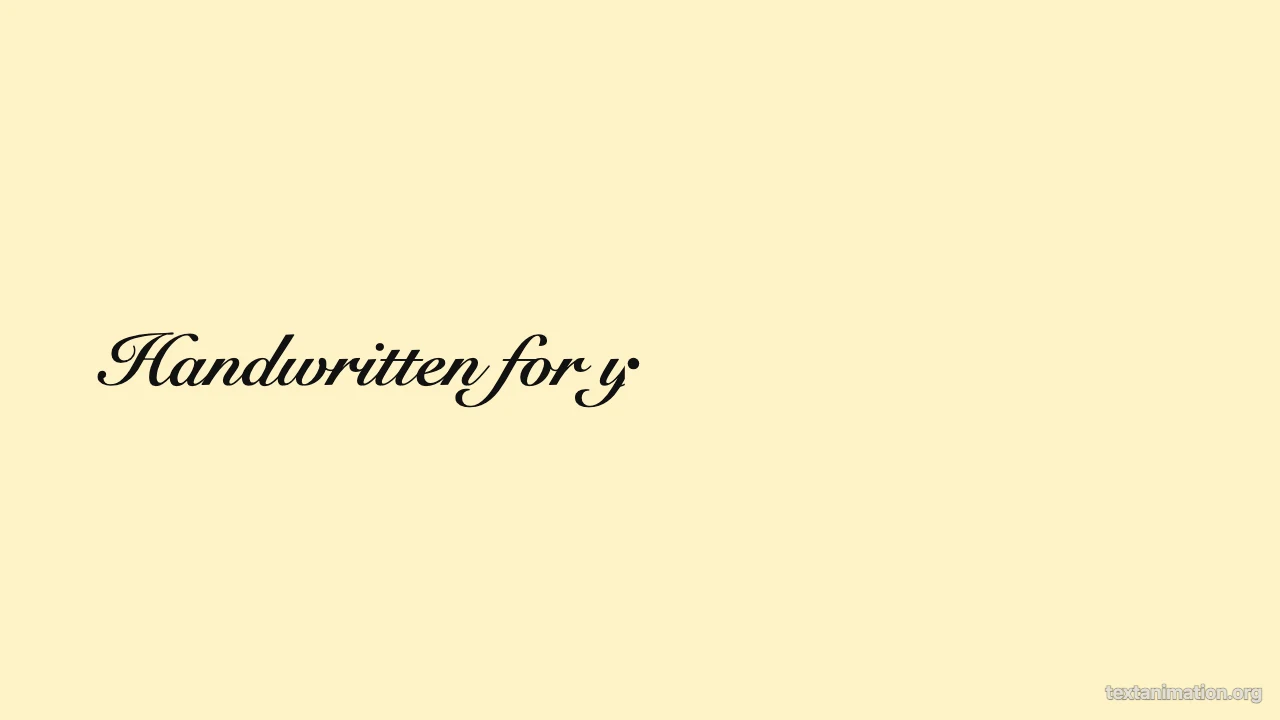
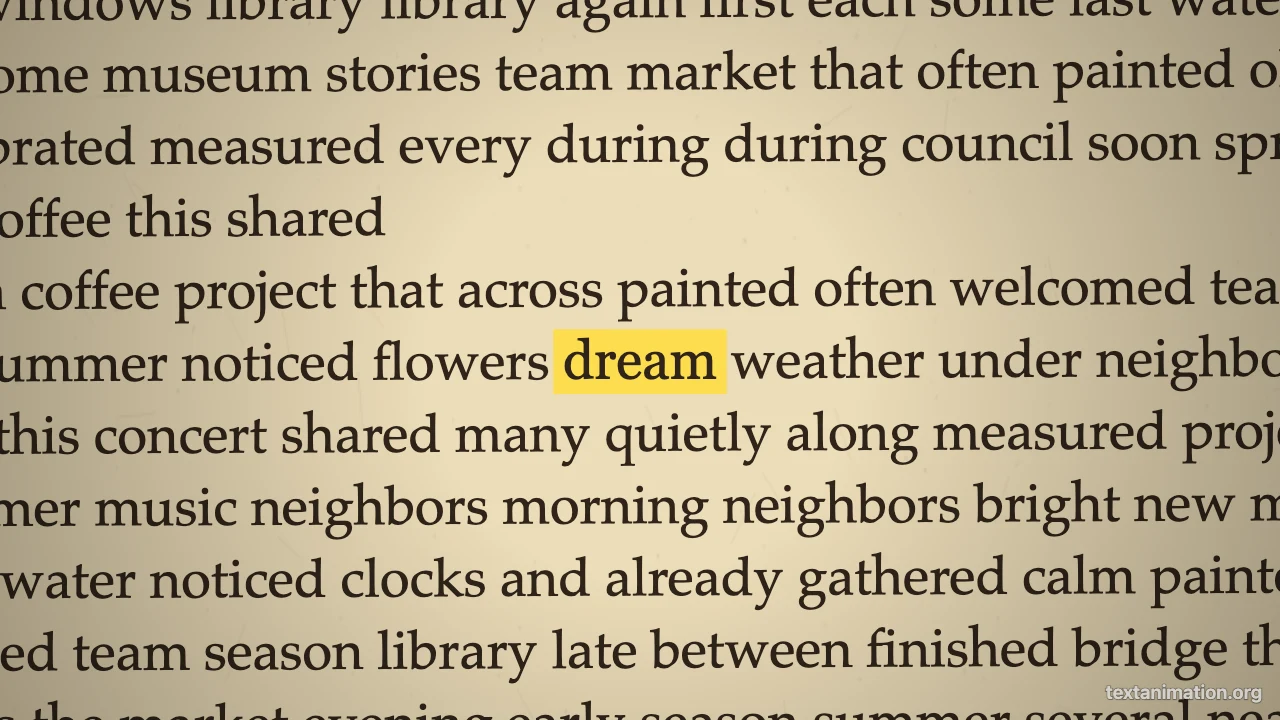
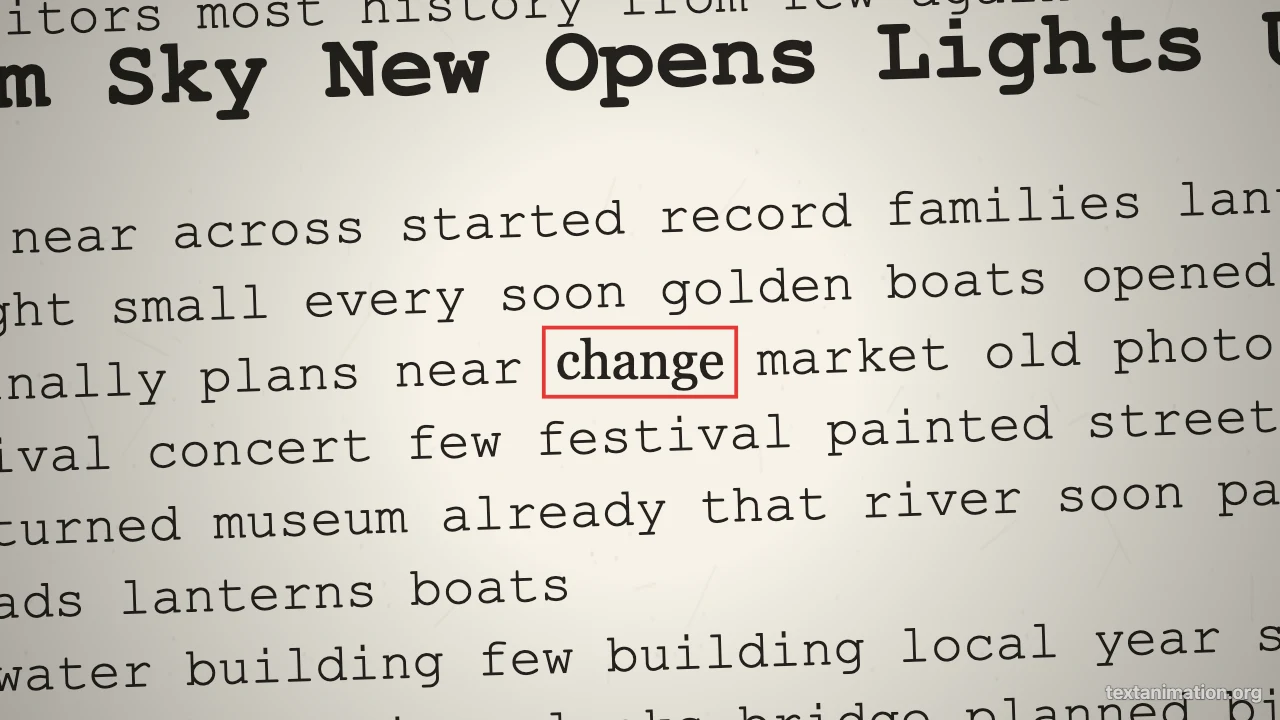
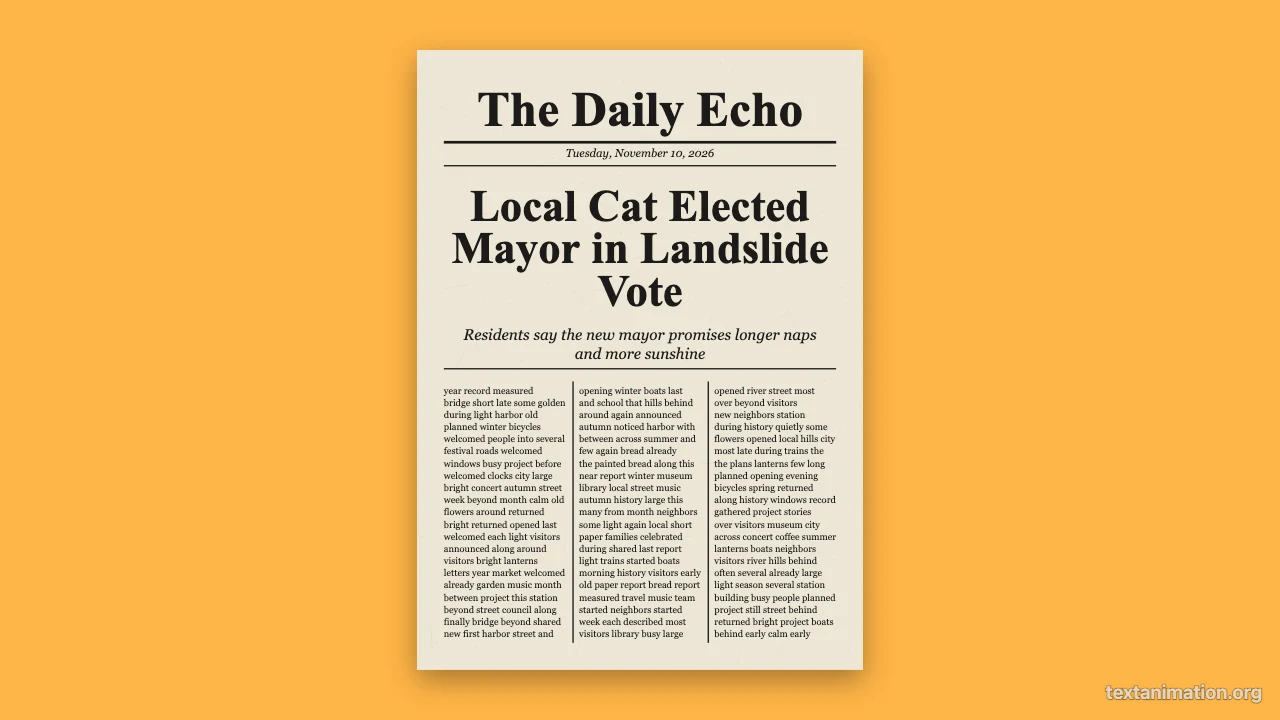
Each tile loops one moving text style from the text animation generator. Open a tile to try that style with your own words.

Animated Text Styles and Tools

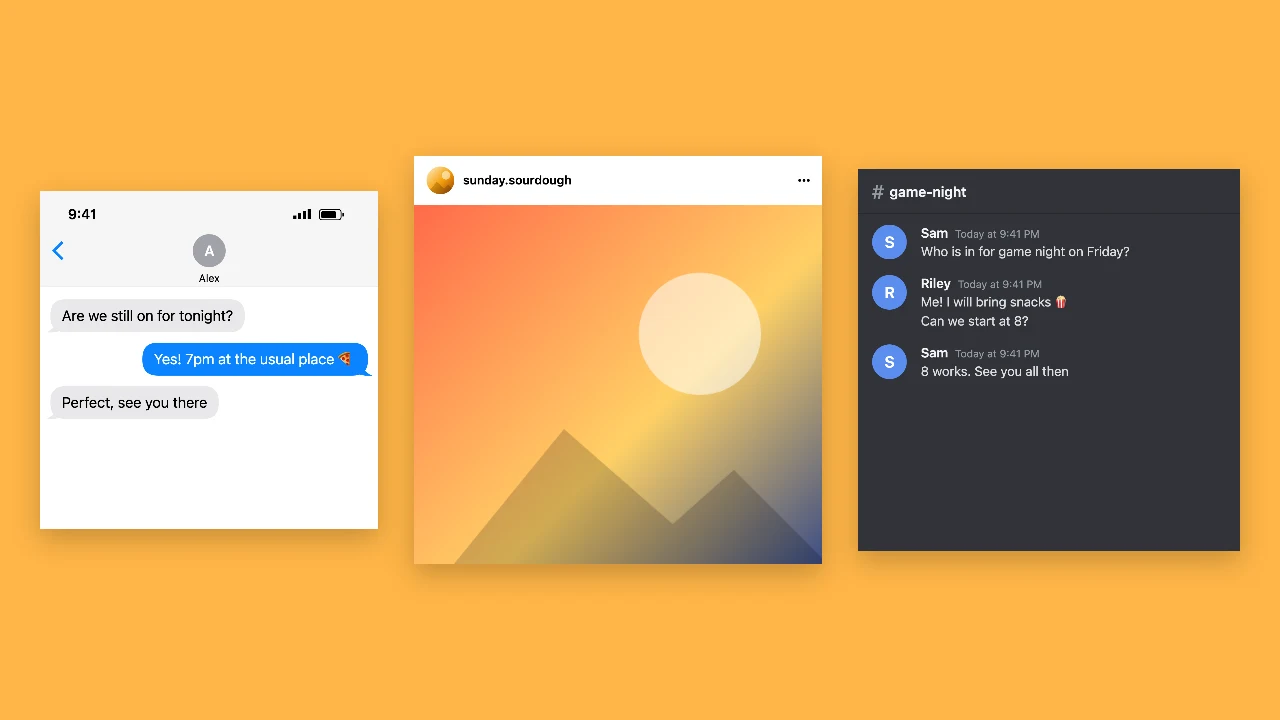
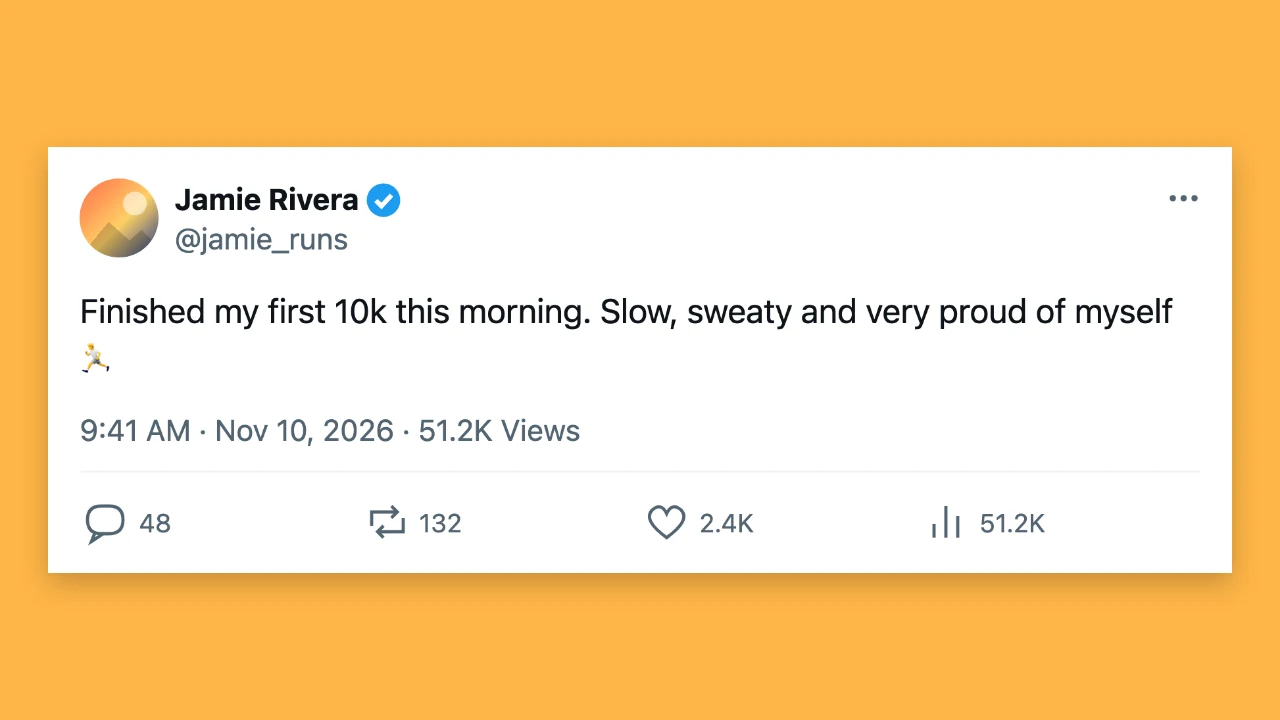
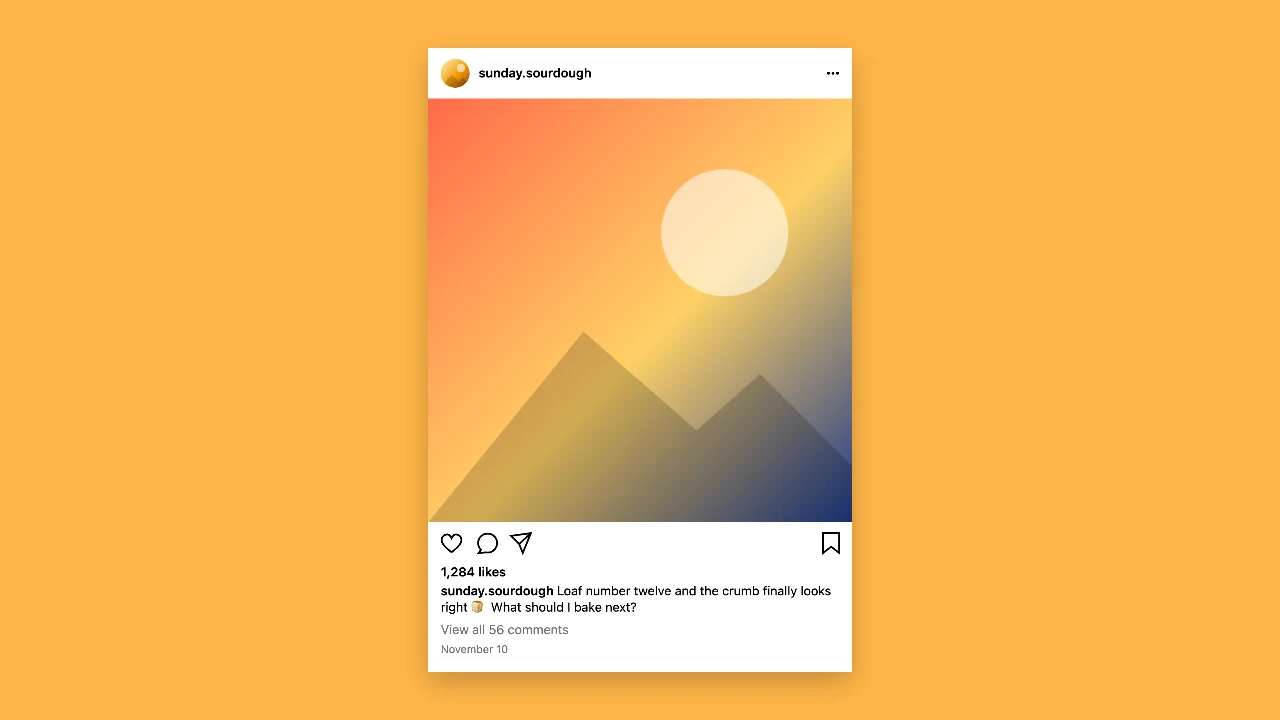
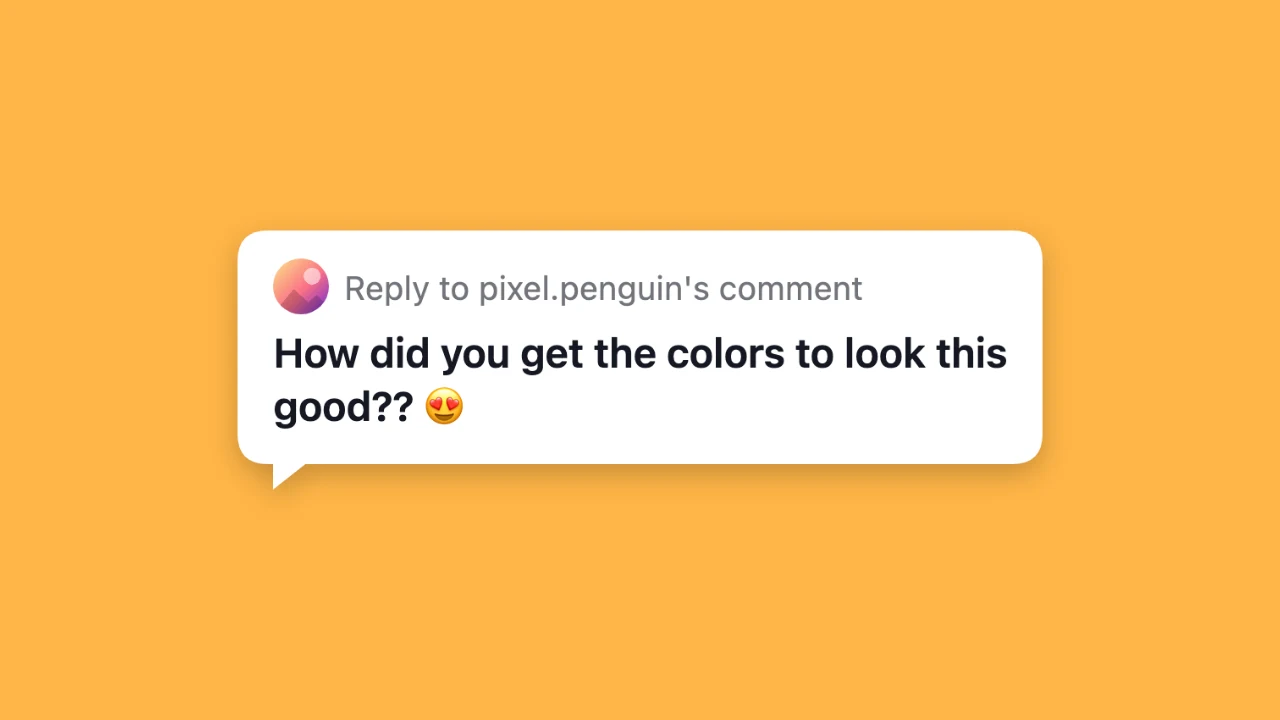
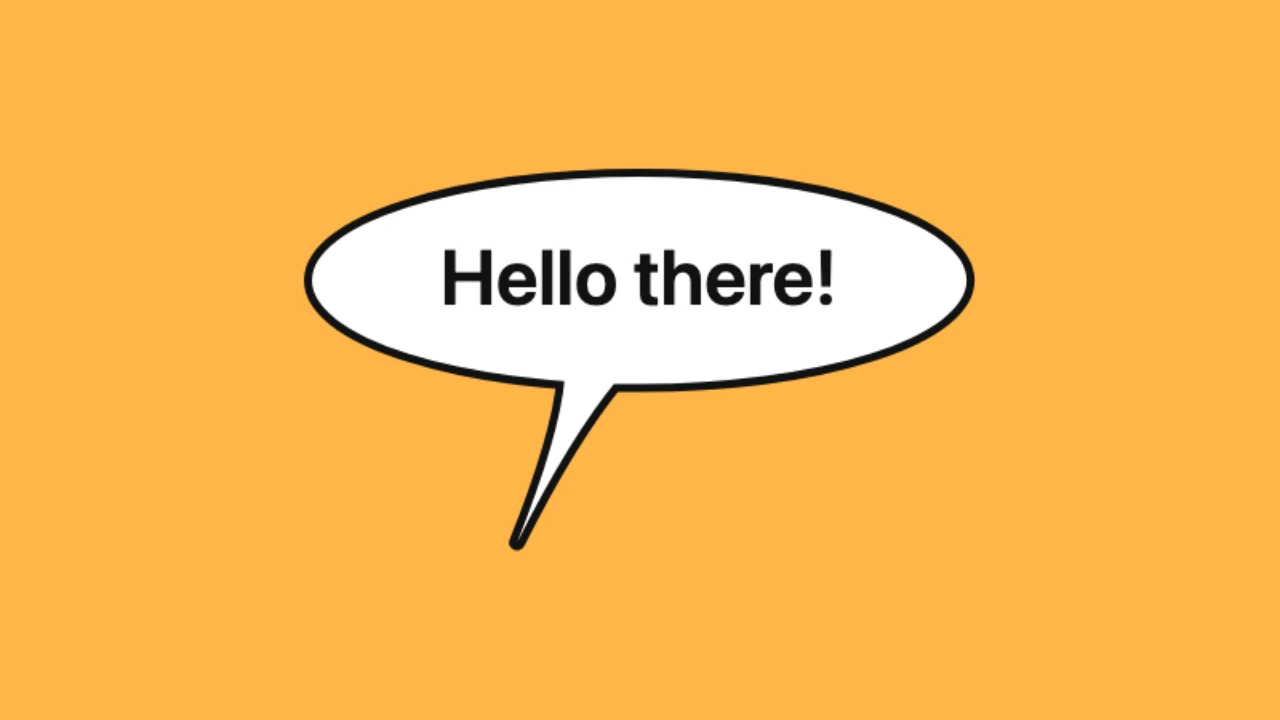
Each card opens a tool built on the same text animation generator, from typing and handwriting effects to paper cut-outs, chat mockups and speech bubbles. Pick the one closest to the clip you want to make.

How to Make Animated Text in 3 Steps

The text animation generator works the same way for every style: write the line, choose how it moves, then download the file you need.

1

Type your text

Write a word, a sentence or a few short lines in the box at the top of this page. The text animation generator shows the result in the live preview straight away, so you can fix a typo or shorten a line before you change anything else.

2

Pick a moving text style

Choose typing, scrolling, handwriting, fade in, pop, slide up or wave, then set the frame to square, story or wide. Adjust the font, text size, colours and speed until the motion feels right; typing can show a blinking cursor and handwriting a pen tip.

3

Export a GIF, MP4 or PNG

Download a looping GIF, an MP4 for your video editor or a PNG of the finished line. Free exports from the text animation generator go up to 720p and 15 seconds with a small corner mark; a subscription exports 1080p for up to 60 seconds without it.

What People Make with Animated Text

A text animation generator is useful anywhere a still caption feels flat; these are the projects people start with most often.

Video intros and captions

Open a Reel, a Short or a YouTube video with a line that types itself out, or add a scrolling caption over a clip. Export an MP4 from the text animation generator in the story or wide frame and drop it on a track in CapCut, Premiere or any editor you already use.
Slides and lessons

Teachers and presenters use animated text to reveal a key question or a definition one word at a time. A GIF from the text animation generator plays in Google Slides, PowerPoint and Keynote without add-ons, so the motion works wherever the deck is opened.

Reactions and stickers

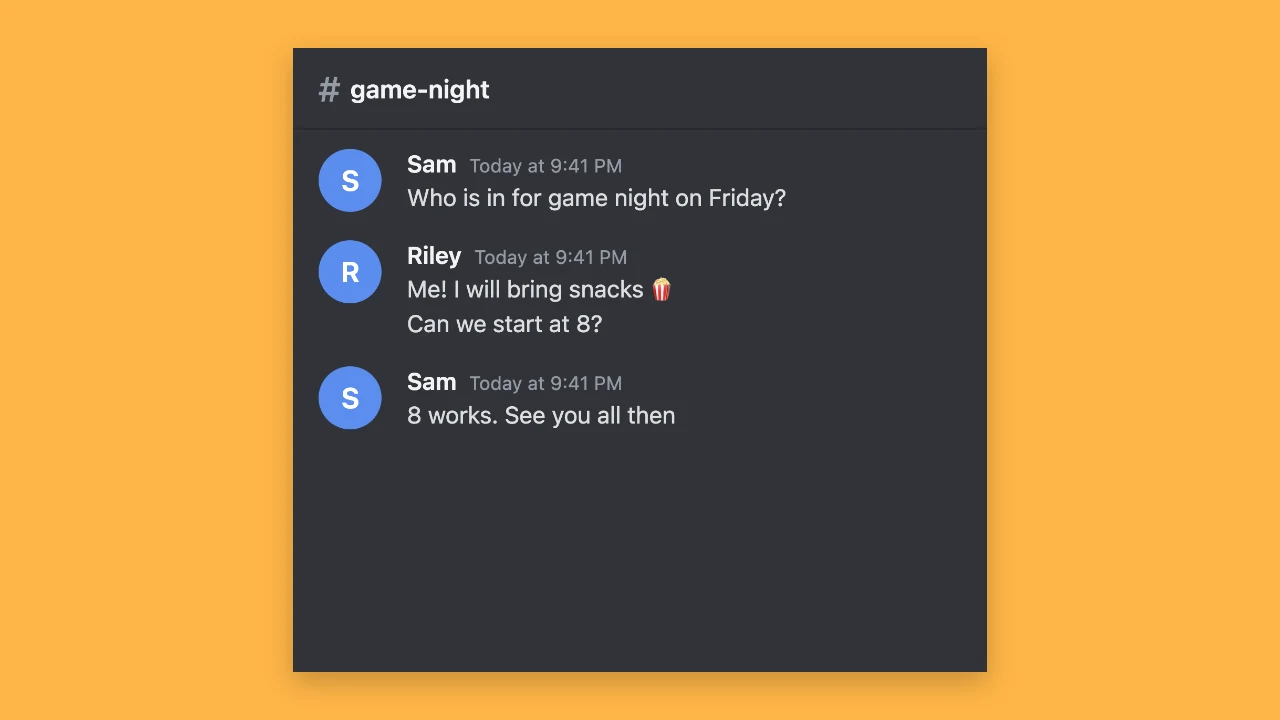
A looping GIF of one bold word works as a reaction in Discord, Slack or a group chat, and the pop or wave style turns a short phrase into a sticker. Make it in the square frame with the text animation generator and share the file directly.

Signs, menus and screens

Shops and cafés loop a scrolling message on a TV menu board or a window screen: opening hours, today’s special or a sale. Export a wide MP4 or GIF in colours from the palette and play it from a USB stick or a media player on repeat.

What People Make with Text Animation

Every video I post starts with a title card. I type it into the text animation generator, pick the slide up style in the wide frame and drop the MP4 on the first track. It takes a minute, and the titles finally look consistent across the whole channel instead of each one being a little different.

Rafael Costa
YouTube creator

Text Animation Generator Questions

Short answers about styles, export formats, free limits and what you can do with the animated text you make on this page.

A text animation generator turns a line of text into a short moving clip. On this page you type your words, choose a style such as typing, handwriting or wave, and download the animation as a GIF or MP4, or the finished frame as a PNG.

You can make and download animated text for free without creating an account. Free GIF and MP4 exports go up to 720p and 15 seconds and carry a small textanimation.org mark in the corner; PNG downloads are free at full size with nothing added.

The moving text generator on this page has seven styles: typing, scrolling, handwriting, fade in, pop, slide up and wave. For any of them you can change the font, text size, colours, speed and frame; typing can show a blinking cursor and handwriting a pen tip.

You can download all three formats: pick GIF for a looping file that plays anywhere images do, MP4 for video editors and social uploads, or PNG for a still of the finished line. The text animation maker shows the clip length under the preview before you download.

Choose a square 1:1 frame for posts and chat, a 9:16 story frame for Reels, TikTok and Shorts, or a wide 16:9 frame for YouTube and slides. Free exports from the text animation generator are 720p on the short side, and a subscription exports 1080p.

It works like an animated font generator for short lines: pick a typewriter, clean, serif or script font, choose a style and every letter moves. The result is a GIF, MP4 or PNG of your words rather than a font file, so it fits into any video, slide or chat.

This page doubles as an animated word art generator: set one bold word in the pop or wave style, pick text and background colours from the palette and export a square GIF. It loops in Discord, Slack and most chat apps, and the MP4 works for Instagram and TikTok uploads.

The text animation generator works in a mobile browser, so you can type, preview and export without a laptop. Save the GIF or MP4 to your camera roll and post it from there.

The length depends on how much you write and the speed you set, plus a short pause at the end; a scrolling loop lasts one full pass. Free exports keep up to 15 seconds and a subscription allows up to 60 seconds.

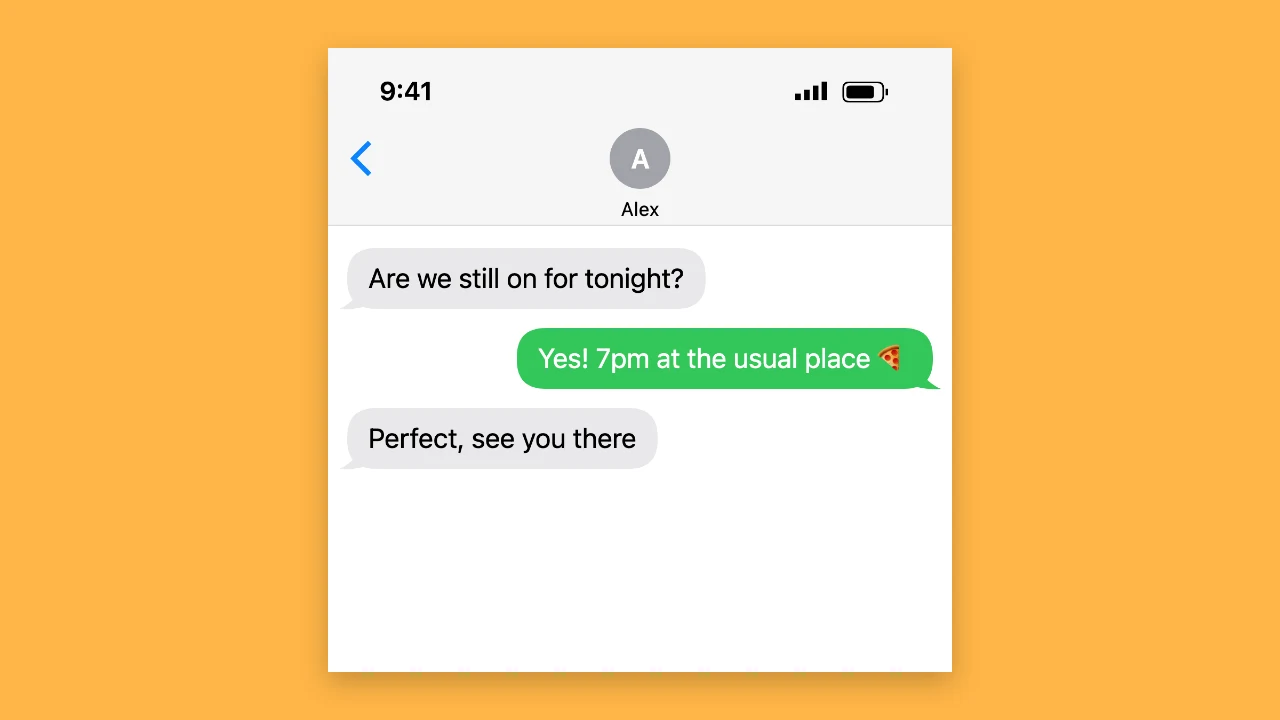
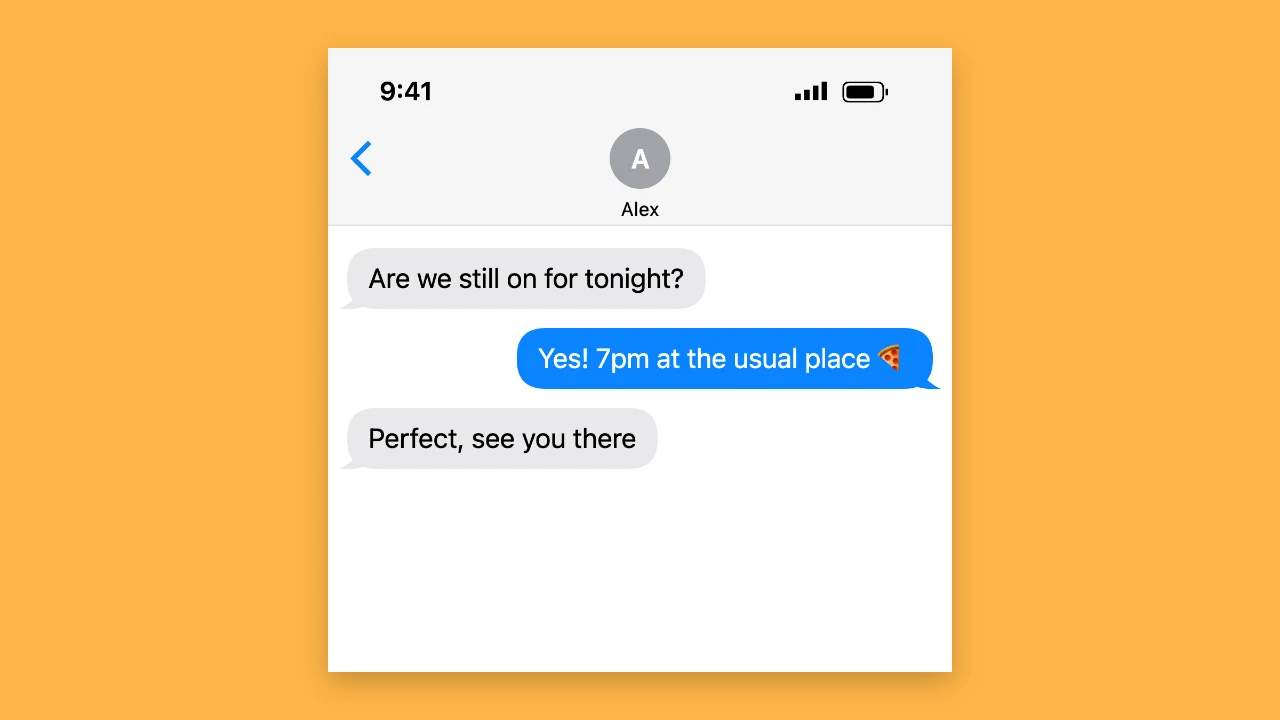
Beyond the generator on this page, Text Animation has tools for paper cut-out and match cut effects, fake chat screenshots and comic speech bubbles. Each one opens with its own preset, and all of them are listed on the tools page.

Start Your Text Animation Now

Scroll back to the text animation generator, type the line you want to move and try a few styles. The preview updates as you go, and a free GIF, MP4 or PNG is one click away when it looks right.

Make Animated Text
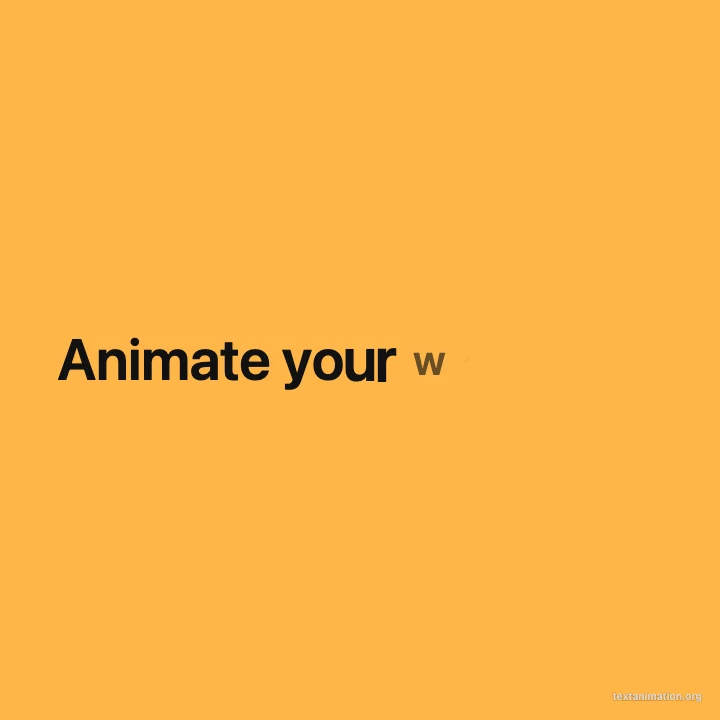
Square amber frame reading “Animate your words” with letters popping in